You know, like this:
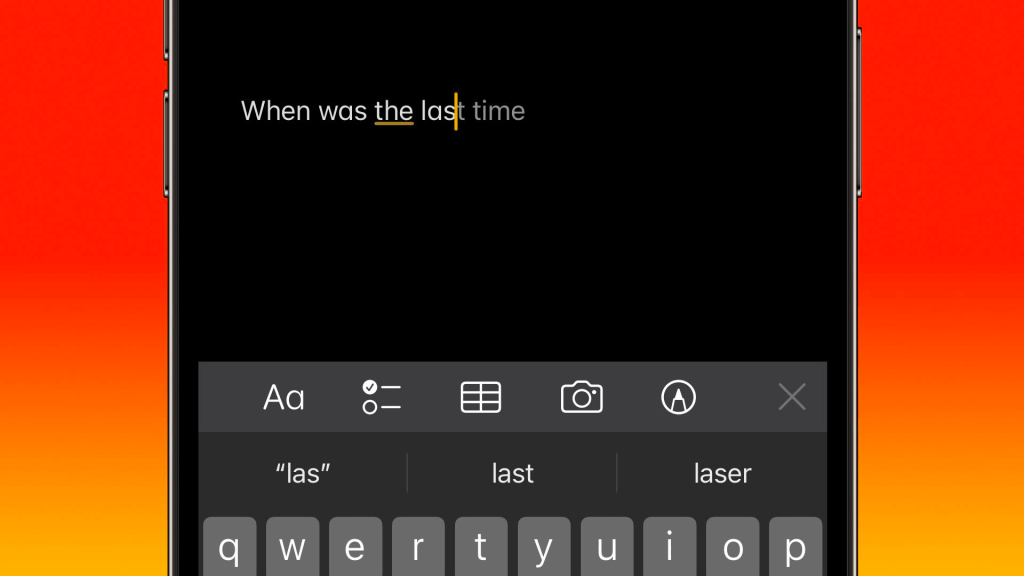
I wouldn’t mind it except when I hit send on a message, it automatically adds whatever stupid word it’s suggesting and THEN sends the message. This cannot stand!
Disabling predictive text overall means you lose the very useful bar with the three suggestions. No bueno.
So here’s how to disable just inline predictive text:
- Go to Settings > Accessibility
- Tap “Switch Control” (in the “Physical and Motor” section)
- Scroll down to “Extended Predictions” and turn that off
Thanks for reading! Subscribe via email or RSS, follow me on Twitter, or discuss this post on Reddit!
 Mike Crittenden